
Brothers in Arms: Road to Hill 30

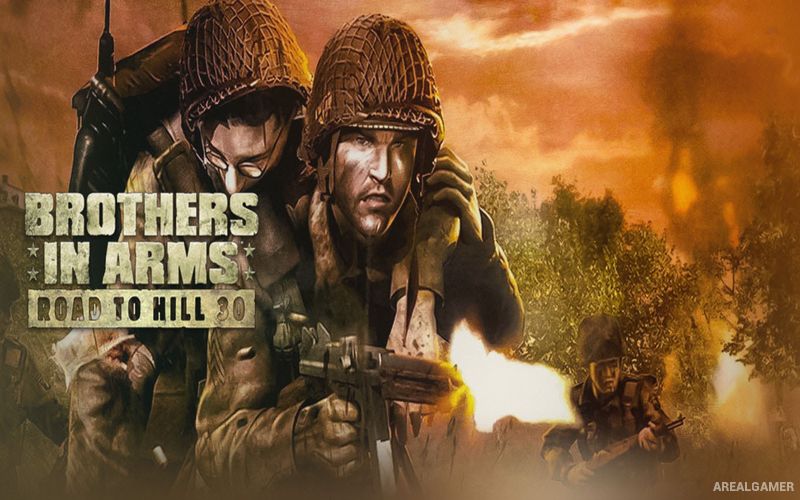
Brothers in Arms: Road to Hill 30 – Free Download – PC Game
Game Info:
Size: 1.96 GB
Genre: Action, Shooter
Release Date: March 15, 2005
Developer: Gearbox Software
Publisher: Ubisoft
About This Game:
Brothers in Arms: Road to Hill 30 is a World War II tactical shooter following Sergeant Matt Baker and members of the 101st Airborne Division during the opening days of the Normandy invasion. After the airborne drop scatters American paratroopers across the French countryside, Baker must regroup with other soldiers and lead them through a series of combat missions.
The campaign covers eight days of fighting and draws inspiration from real military operations and locations. Rather than focusing entirely on the individual player, the story places considerable attention on the soldiers fighting alongside Baker and the responsibility of keeping them alive while completing objectives.
How the Gameplay Works
Players fight directly from a first-person view while giving movement and attack orders to fire teams. Enemy positions can be suppressed by one group while another advances to a flank, creating better firing angles and reducing the danger of attacking entrenched defenders head-on.
A tactical situational view provides a wider look at the battlefield and helps identify friendly units, enemies, obstacles, and useful routes. Rifles, submachine guns, machine guns, tanks, and other historically appropriate equipment appear as the campaign progresses through villages, farms, fields, and defensive positions in Normandy.
Main Gameplay Features
World War II tactical shooter
Eight-day Normandy campaign
Play as Sergeant Matt Baker
101st Airborne Division storyline
Squad command mechanics
Suppression and flanking tactics
Tactical battlefield view
Fire teams
Authentic period weapons
Historically inspired locations
Infantry and armored encounters
Story focused on Baker and his squad
Screenshots:
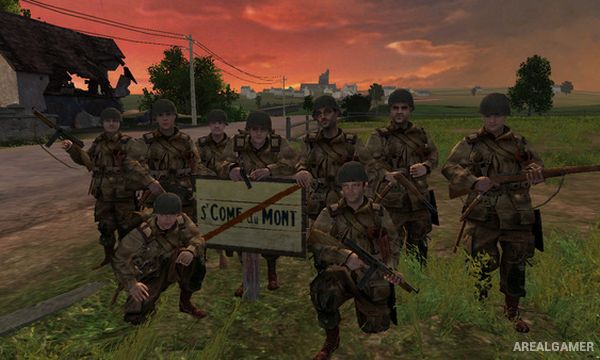
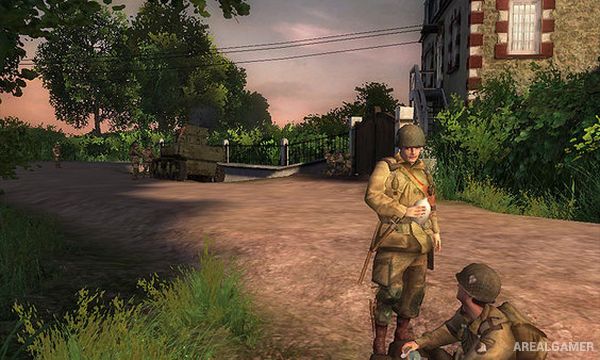
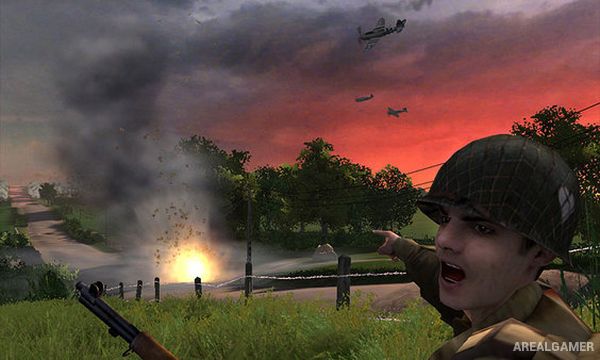
Minimum System Requirements:
OS: Windows 7/8/10, 64-bits
CPU: 1 GHz Pentium III or AMD Athlon
RAM: 512 MB
Video Card: 32 MB
Space Required: 5 GB
DirectX: 9.0c
How to Install:
Extract the game using Winrar or 7zip.
Open “Brothers in Arms: Road to Hill 30″ folder, double click on “Setup” and proceed install.
After installation complete, go to the “Installed Game” location.
Double click on “Game” icon to play the game. Enjoy!
Click the Below Button to Proceed to Download Page
File Password: arealgamer