
Empires: Dawn of the Modern World

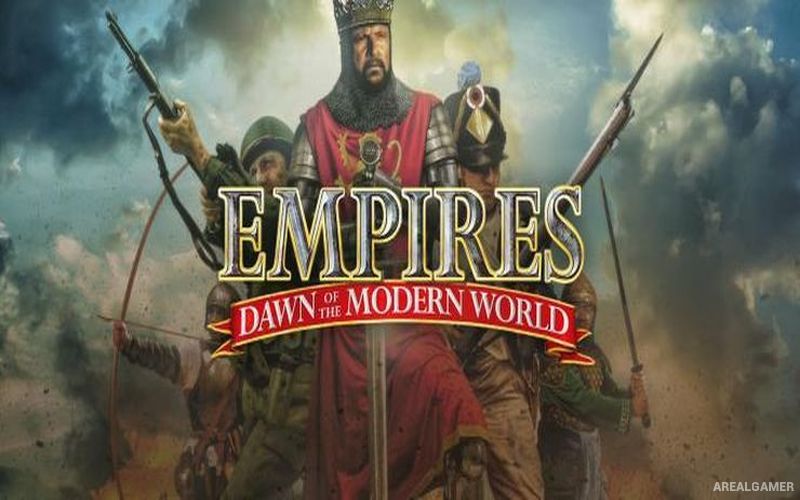
Empires: Dawn of the Modern World – Free Download – PC Game
Game Info:
Size: 765 MB
Genre: Strategy
Release Date: October 21, 2003
Developer: Stainless Steel Studios
Publisher: Stainless Steel Studios
About This Game:
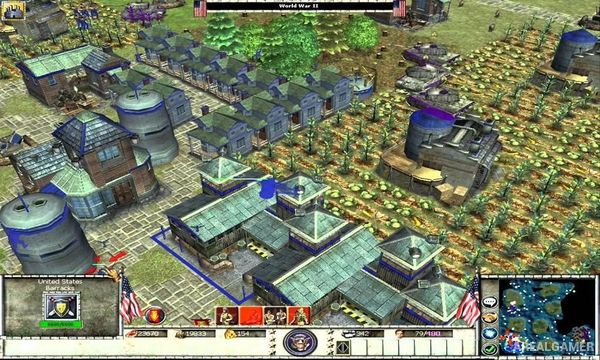
Empires: Dawn of the Modern World is a historical real-time strategy game that covers warfare from the medieval period through World War II. Players develop civilizations by gathering resources, constructing settlements, researching improvements, and producing armies that change dramatically as technology progresses through different historical eras.
Nine civilizations are represented across the game’s timeline, with medieval powers eventually giving way to modern nations. England, the Franks, China, and Korea represent earlier periods, while later gameplay introduces the United States, Britain, France, Germany, and Russia. Each civilization has distinctive military units, technologies, and tactical strengths.
How the Gameplay Works
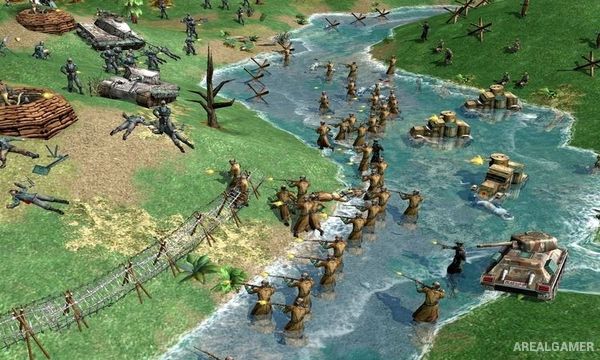
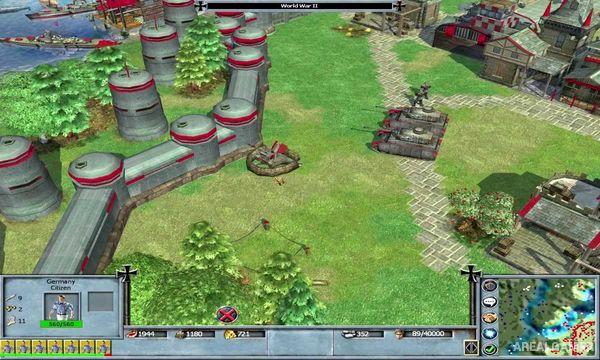
Workers collect resources needed to construct buildings, train troops, research upgrades, and advance into later historical periods. Armies evolve from archers, cavalry, and siege equipment into rifles, artillery, tanks, aircraft, and other modern weapons as the selected civilization progresses through the timeline.
Land, sea, and air units become available depending on the era and civilization. Players can win by defeating rival economies and armies or through other match objectives such as constructing and defending powerful Wonders. Three story-driven campaigns focus on Richard the Lionheart, Admiral Yi Sun-sin, and General George S. Patton.
Main Gameplay Features
Historical real-time strategy
Timeline from the Middle Ages to World War II
Nine playable civilizations
Resource gathering
Base construction
Technology advancement
Land, naval, and air warfare
Civilization-specific units and strengths
Three story-driven campaigns
Richard the Lionheart campaign
Admiral Yi Sun-sin campaign
General George S. Patton campaign
Screenshots:
Minimum System Requirements:
OS: Windows 7/8/10
CPU: 1.8 GHz
RAM: 512 MB
Video Card: 3D graphics card compatible with DirectX 9
Space Required: 2 GB
DirectX: 9.0c
How to Install:
Extract the game using Winrar or 7zip.
Open “Empires: Dawn of the Modern World” folder, double click on “Setup” and proceed install.
After installation complete, go to the “Installed Game” location.
Double click on “Game” icon to play the game. Enjoy!
Click the Below Button to Proceed to Download Page
File Password: arealgamer