
OXENFREE II: Lost Signals

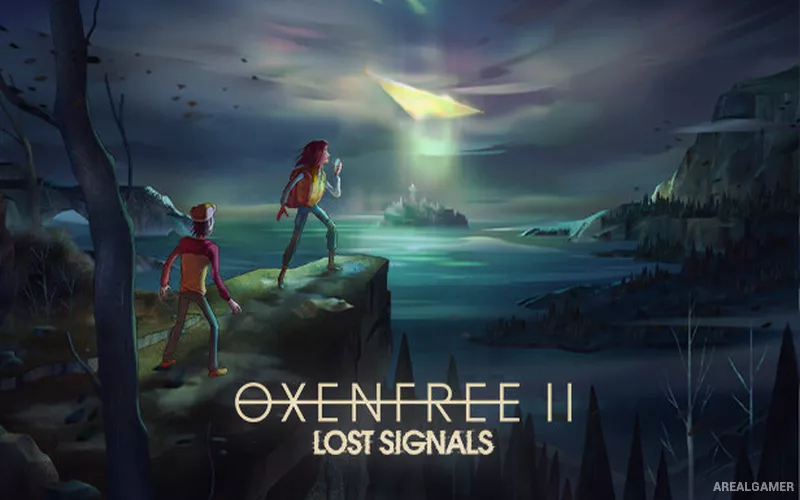
OXENFREE II: Lost Signals – Free Download – PC Game
Game Info:
Size: 3.93 GB
Genre: Adventure
Release Date: 12 Jul, 2023
Developer: Night School Studio
Publisher: Netflix
About This Game:
OXENFREE II: Lost Signals is a supernatural narrative adventure set several years after the first game. Riley returns to the coastal town of Camena to investigate unusual radio interference and becomes involved with strange signals, temporal disturbances, and a group attempting to open something they do not fully understand.
The game focuses on conversations, exploration, and atmosphere rather than combat. Dialogue can continue while characters walk, climb, or investigate, allowing relationships and choices to develop without repeatedly stopping the scene.
How the Gameplay Works
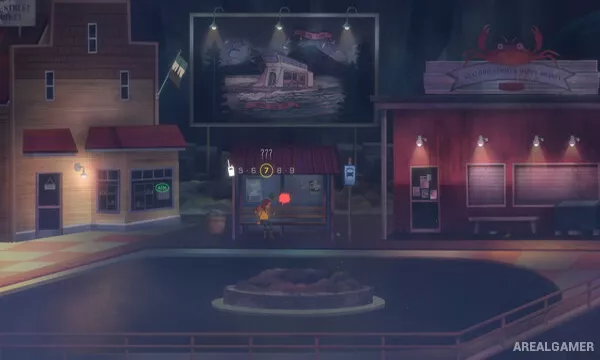
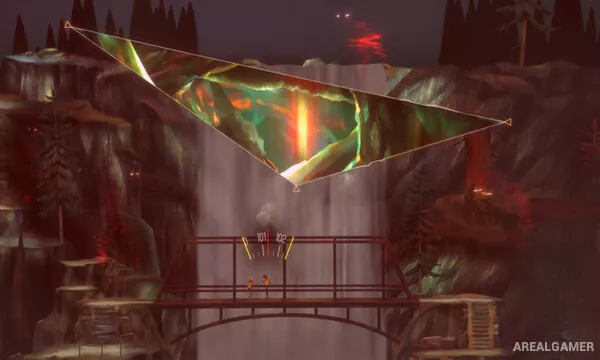
Players explore coastal locations, tune a portable radio to unusual frequencies, place transmitters, and use a walkie-talkie to communicate with characters across the region. Some radio frequencies reveal hidden sounds, open anomalies, or provide clues needed to progress.
Dialogue choices affect how Riley relates to other characters and can influence later scenes and endings. Environmental routes, optional conversations, and side contacts give players reasons to explore beyond the immediate objective.
Main Gameplay Features
Supernatural narrative adventure
Radio-frequency puzzle mechanics
Walkie-talkie conversations
Choice-driven dialogue
Exploration across Camena
Temporal anomalies and strange signals
Relationship changes based on responses
Multiple possible story outcomes
Screenshots:

Minimum System Requirements:
OS: Windows 10, 64-bit
CPU: Intel Core i5-4570T or AMD
RAM: 8 GB
Video Card: GeForce GTX 650 1GB or Radeon HD 7750 1GB
Space Required: 6 GB
DirectX: 11
How to Install:
Extract the game using Winrar or 7zip.
Open “OXENFREE II Lost Signals” folder, double click on “Setup” and proceed install.
After installation complete, open “RUNE” folder.
Copy all files and paste it where you “Installed the Game”.
Double click on “Game” icon to play the game. Enjoy!
Click the Below Button to Proceed to Download Page
File Password: arealgamer