
The Tale of Bistun


The Tale of Bistun – Free Download – PC Game
Game Info:
Size: 2.34 GB
Genre: Action, Adventure
Release Date: July 13, 2022
Developer: Black Cube Games
Publisher: IMGN.PRO
About This Game:
The Tale of Bistun is an action adventure inspired by the Persian romantic poem Khosrow and Shirin. Players follow an amnesiac stone-carver who awakens on Mount Bistun with little understanding of his identity and begins searching the blighted landscape for clues to the memories he has lost.
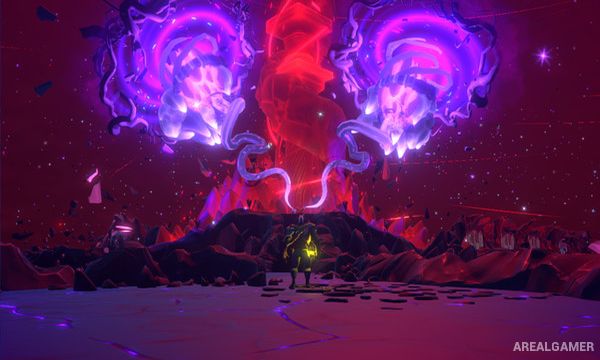
The journey moves between the physical world and the mysterious Revelations Realm, where forgotten memories take on a more surreal form. A mysterious narrator follows the stone-carver’s actions while the story gradually reveals themes of love, loss, sacrifice, and ancient Persian mythology.
How the Gameplay Works
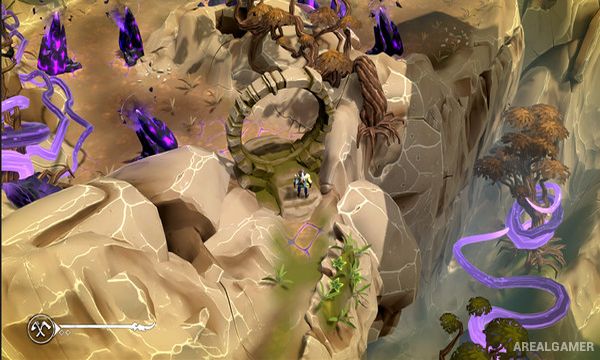
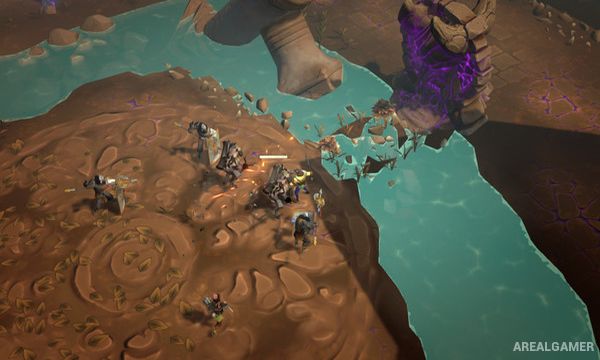
Players explore from an isometric perspective while fighting groups of corrupted creatures using melee attacks and magical abilities. Combat emphasizes movement and positioning when several enemies approach at once.
Exploration leads through Mount Bistun and the Revelations Realm, where story sequences provide additional information about the protagonist’s identity. Stone carving also appears as part of the journey, connecting the hero’s profession to the legendary setting and the tale being retold.
Main Gameplay Features
Persian mythology-inspired adventure
Based on Khosrow and Shirin
Amnesiac stone-carver protagonist
Mount Bistun setting
Isometric exploration
Fast melee combat
Magical abilities
Groups of corrupted enemies
Revelations Realm
Story-focused progression
Stone-carving sequences
Atmospheric narration
Ancient Mesopotamian-inspired landscapes
Themes of love and loss
Single-player campaign
Screenshots:
Minimum System Requirements:
OS: Windows 10, 64-bits
CPU: Intel Core i5 4460 | AMD Athlon X4
RAM: 8 GB
Video Card: Nvidia GTX 950 | AMD R7 370
Space Required: 6 GB
DirectX: 11
How to Install:
Extract the game using Winrar or 7zip.
Open “The Tale of Bistun” folder, double click on “Setup” and proceed install.
After installation complete, go to the “Installed Game” location.
Double click on “Game” icon to play the game. Enjoy!
Click the Below Button to Proceed to Download Page
File Password: arealgamer