
TSIOQUE


TSIOQUE – Free Download – PC Game
Game Info:
Size: 938.3 MB
Genre: Adventure
Release Date: 8 Nov, 2018
Developer: OhNoo Studio, Smile
Publisher: OhNoo Studio
About This Game:
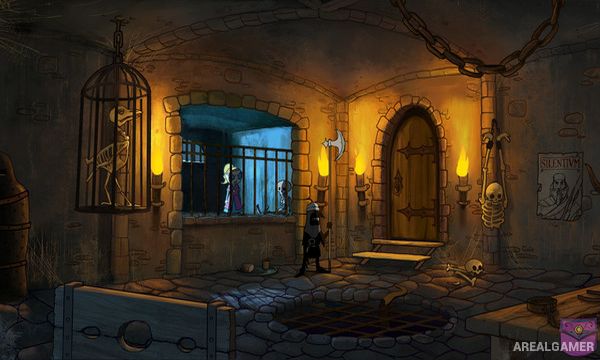
TSIOQUE is a hand-drawn point-and-click adventure starring a young princess trapped inside her family’s castle after it is taken over by an evil wizard. Rather than waiting to be rescued, Tsioque sets out to escape imprisonment, undermine the wizard’s forces, and discover what has happened to her home.
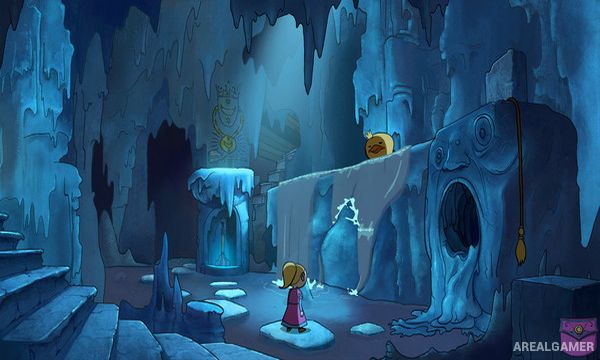
The game uses traditional animation and expressive visual comedy to tell much of its story. The castle continually changes under magical influence, and many puzzles involve outsmarting guards, creatures, and unusual mechanisms rather than simply finding a key for every locked door.
How the Gameplay Works
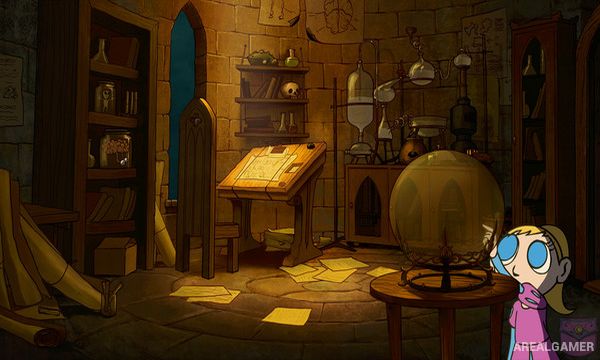
Players click around illustrated scenes to inspect objects, collect items, speak with characters, and interact with the environment. Inventory items can be used in specific situations, while some sequences require quick observation or timing to avoid being caught.
Progress takes Tsioque through different areas of the castle, with new discoveries gradually revealing more about the wizard’s actions and the larger story. Puzzles are integrated into animated scenes so that successful solutions often trigger unique character reactions or visual jokes.
Main Gameplay Features
Point-and-click adventure gameplay
Hand-drawn frame-by-frame animation
Inventory-based puzzles
Castle exploration
Visual comedy and animated reactions
Stealth and timing sequences
Story-focused progression
Princess protagonist
Screenshots:
Minimum System Requirements:
OS: Windows XP/Vista/7/8/10
CPU: Intel® Core™ 2 Duo 2.2 GHz, AMD Athlon™ X2 2.4 GHz, or higher
RAM: 2 GB
Video Card: 512 MB
Space Required: 2 GB
DirectX: 9.0c
How to Install:
Extract the game using Winrar or 7zip.
Open “TSIOQUE” folder, double click on “Setup” and proceed install.
After installation complete, open “PLAZA” folder.
Copy all files and paste it where you “Installed the Game”.
Double click on “Game” icon to play the game. Enjoy!
Click the Below Button to Proceed to Download Page
File Password: arealgamer