
Tyrian 2000


Tyrian 2000 – Free Download – PC Game
Game Info:
Size: 18 MB
Genre: Action, Shooter
Release Date: November 30, 1999
Developer: Eclipse Productions
Publisher: Eclipse Productions
About This Game:
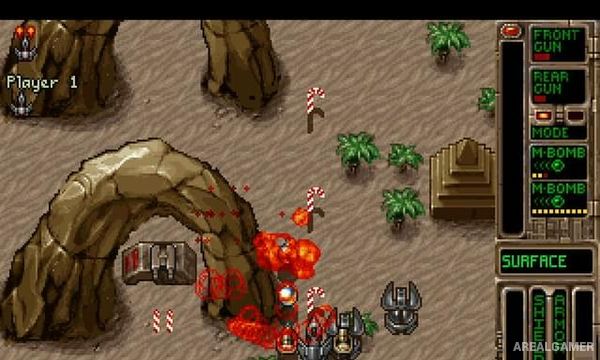
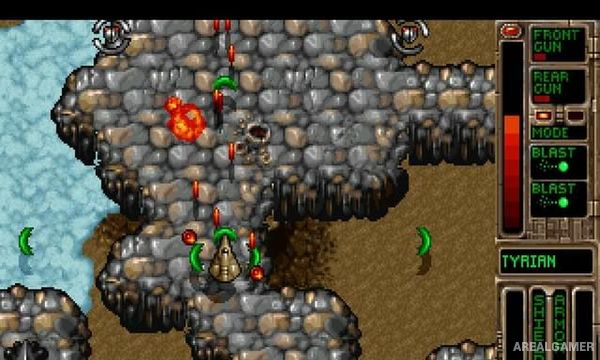
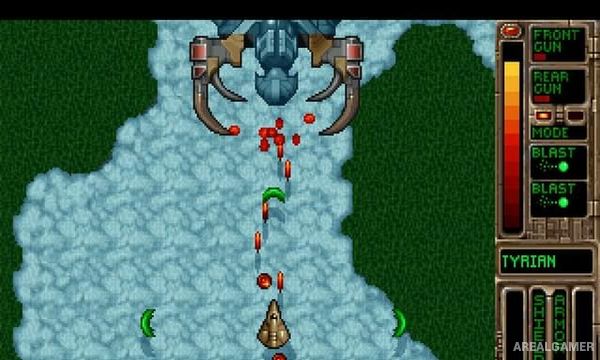
Tyrian 2000 is a classic vertically scrolling science-fiction shooter where players pilot a heavily armed spacecraft through planets, stations, asteroid fields, and other dangerous regions. The campaign combines constant arcade shooting with an unusually large amount of equipment customization and a story that develops between missions.
Instead of relying on a single fixed weapon setup, the player’s ship can carry different front guns, rear weapons, sidekick devices, generators, shields, and other components. Money earned during missions makes equipment choice an important part of preparing for later stages.
How the Gameplay Works
Players fly upward through scrolling levels while shooting large groups of enemy ships and avoiding incoming projectiles. Destroyed targets can drop money, power-ups, and other useful items, encouraging players to take risks when valuable rewards appear.
Between stages, credits can be spent on weapons and ship equipment. Different configurations change offensive power, energy consumption, defense, and firing behavior, allowing players to experiment with builds before returning to combat.
Main Gameplay Features
Vertical scrolling shoot-’em-up
Science-fiction campaign
Multiple spacecraft
Large weapon selection
Front and rear weapon systems
Sidekick equipment
Ship generators and shields
Equipment upgrades
Money earned during missions
Power-ups
Story between stages
Multiple gameplay modes
Screenshots:
Minimum System Requirements:
OS: Windows XP or Vista
CPU: 1 GHz Intel Pentium III or AMD Athlon Processor
RAM: 256 MB
Video Card: 64 MB
Space Required: 100 MB
DirectX: 9.0c
How to Install:
Extract the game using Winrar or 7zip.
Open “Tyrian 2000” folder, double click on “Setup” and proceed install.
After installation complete, go to the “Installed Game” location.
Double click on “Game” icon to play the game. Enjoy!
Click the Below Button to Proceed to Download Page
File Password: arealgamer